№ 01
In the wild
on the counter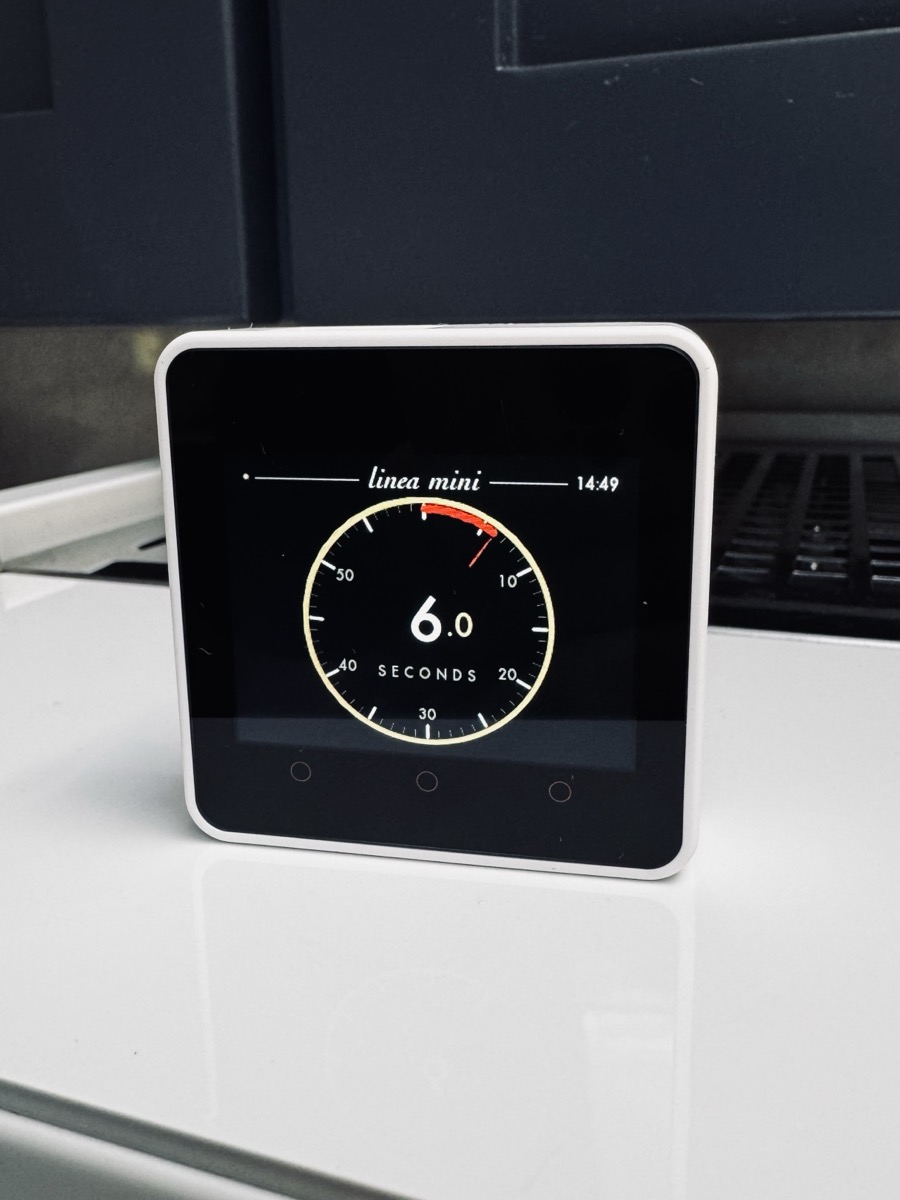
Open source · For La Marzocco machines
The display I always wanted for my La Marzocco.
An analog boiler-temperature dial, a shot timer that takes over the moment you pull the paddle, and controls for power, steam, pre-brew and backflush. It runs on a $50 M5Stack Core2 that sits next to your machine.
There's nothing to solder and no toolchain to install. You flash it from this page in about 90 seconds.
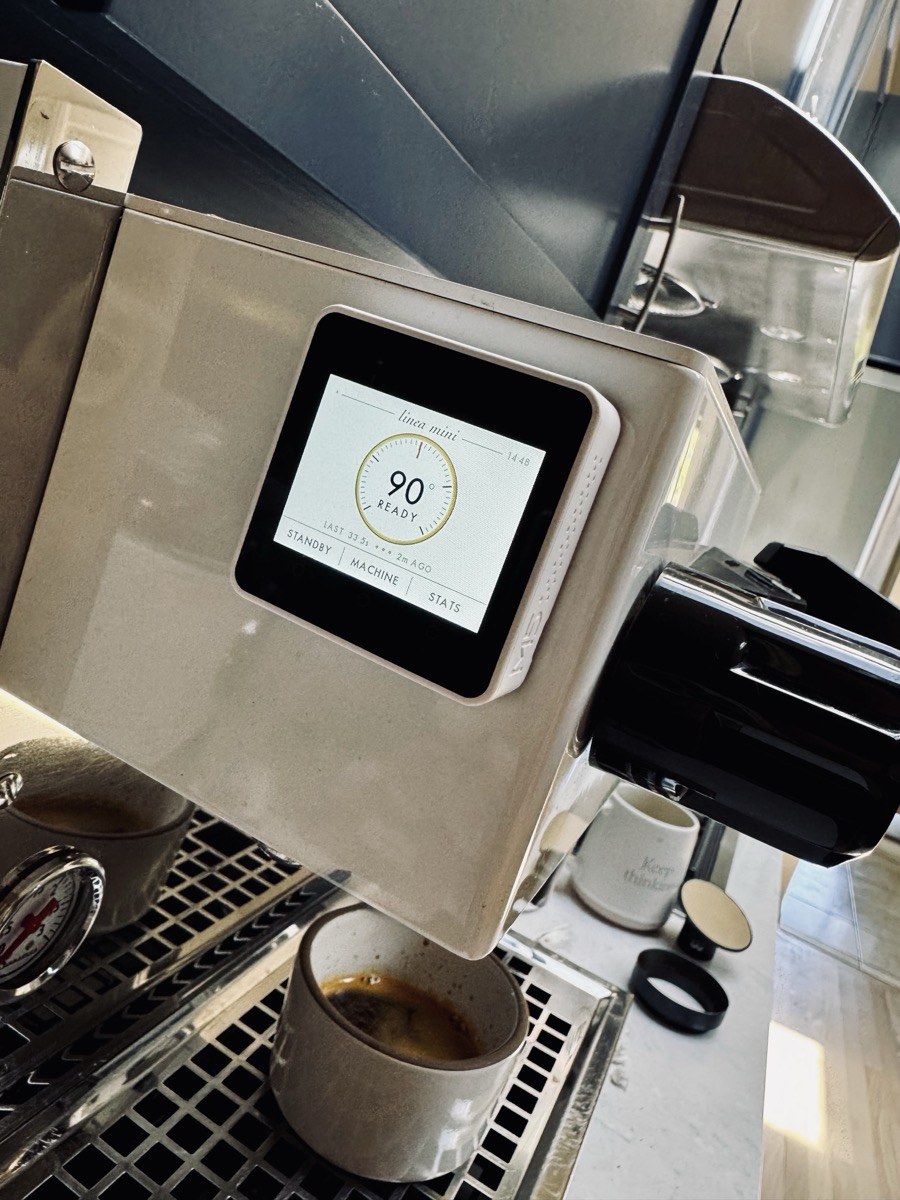
A real needle that follows the boiler as it climbs to temperature and settles on ready. You can read it from across the kitchen.
Live cloud telemetry · °C
Pull the paddle and the dial flips to a sweeping second hand on its own. When you stop the shot, the time stays on screen so you can dial in your grind.
Auto start · auto stop · last shot kept
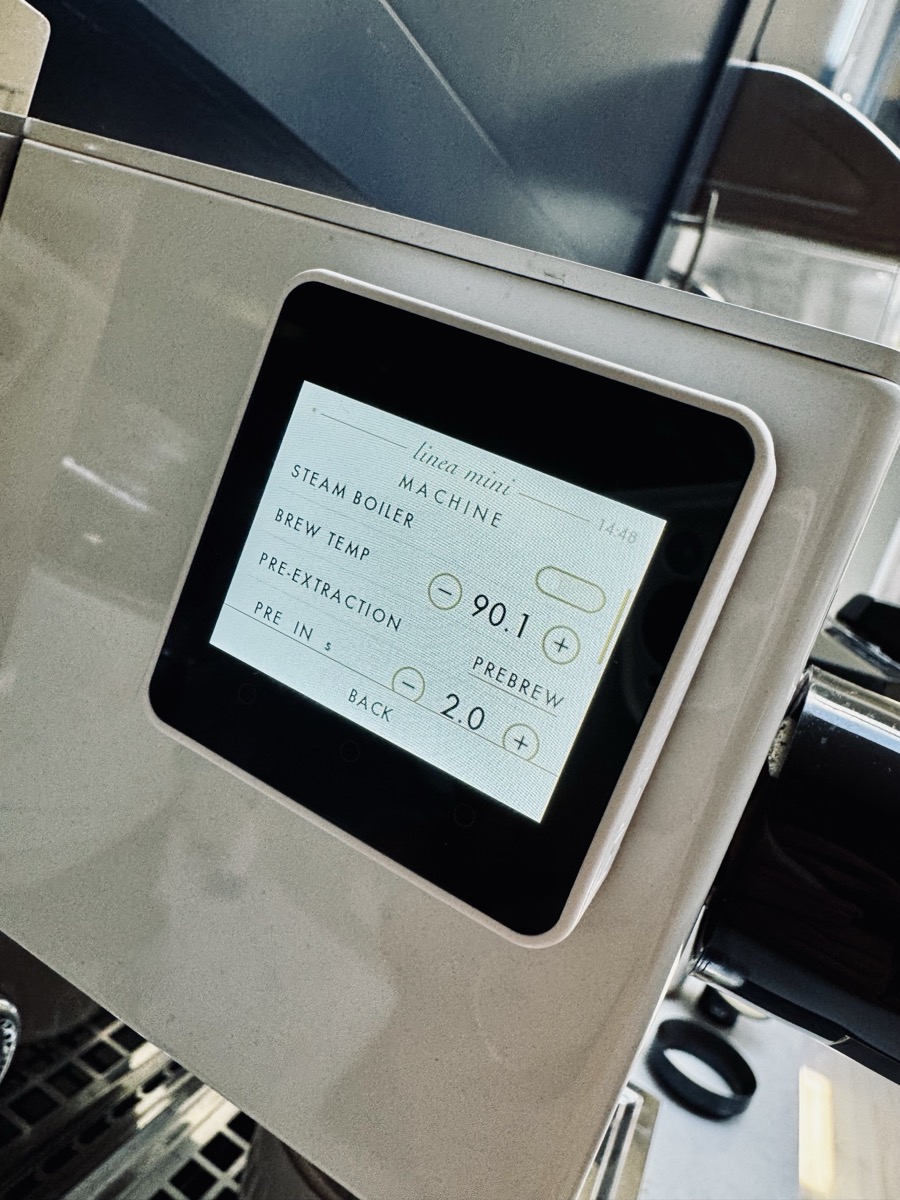
Power, steam boiler, brew temperature, pre-brew and backflush. The settings that live three menus deep in the phone app are two taps away on the counter.
Standby · Machine · Stats
It all runs on an off-the-shelf M5Stack Core2, a $50 ESP32 with a touchscreen. The firmware is MIT licensed and you flash it straight from this page. Using the source code, any coding agent can probably port it easily to other hardware devices, too.
ESP32 · 320×240 touch · USB-C
Plug your Core2 in over USB and this page writes the firmware for you. There's nothing to download.
Click Connect, pick the
USB Single Serial / CP2104 port,
then Install Strumento.
The account you already have, with your machine paired to it. Strumento talks to the same cloud.
On desktop. Safari and Firefox don't support Web Serial, which the installer needs.
The device boots straight into the Setup screen the first time.
Tap each row and type your WiFi name & password, then your La Marzocco email & password. Leave the serial number blank to auto-discover your machine.
Tap Reconnect. The boiler dial goes live within a few seconds. Pull the paddle and it flips to the shot timer.
Your credentials never leave the device. They're only used to sign into your WiFi and La Marzocco's cloud.
I've only tested on a Linea Mini. If something doesn't work on your machine (or even if it does!) please open an issue, I'd love to hear about it.